 TrackedSnap
Line Up the Same Shot Every Visit
TrackedSnap puts your last photo in the viewfinder and takes the next one when the framing, angle, direction and spot match. Built for job sites, renovations and patient progress.
For iPhone and iPad. Free to start, no account needed.
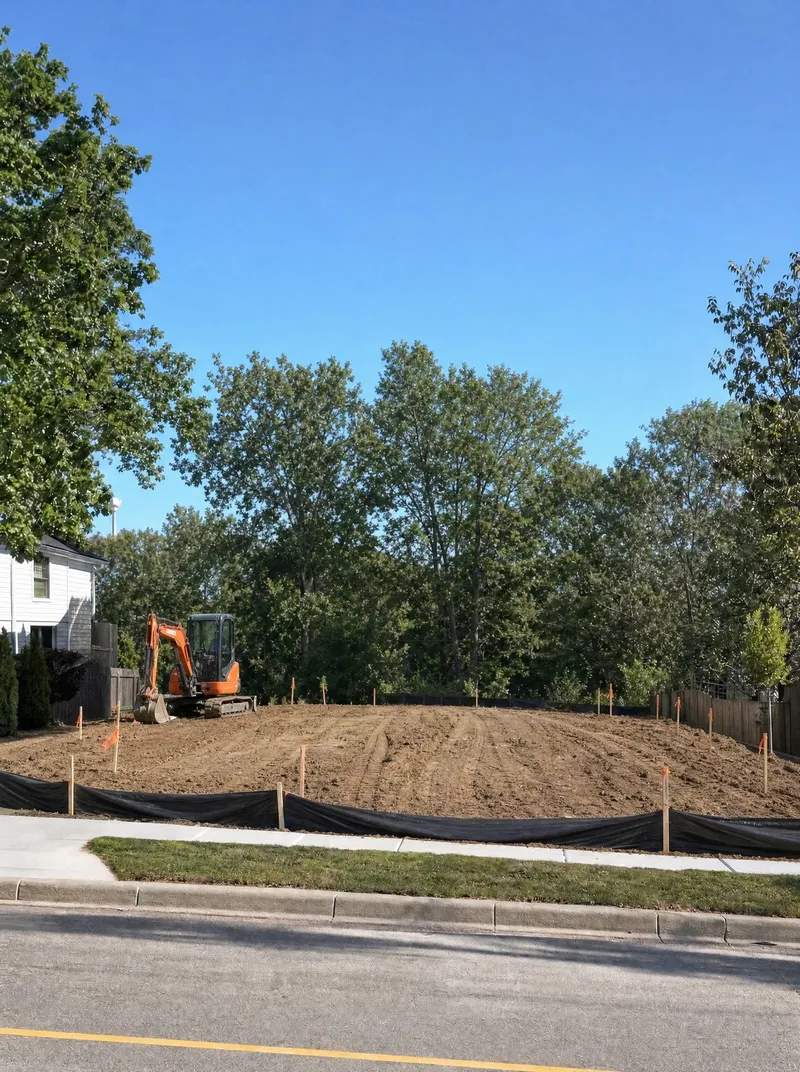
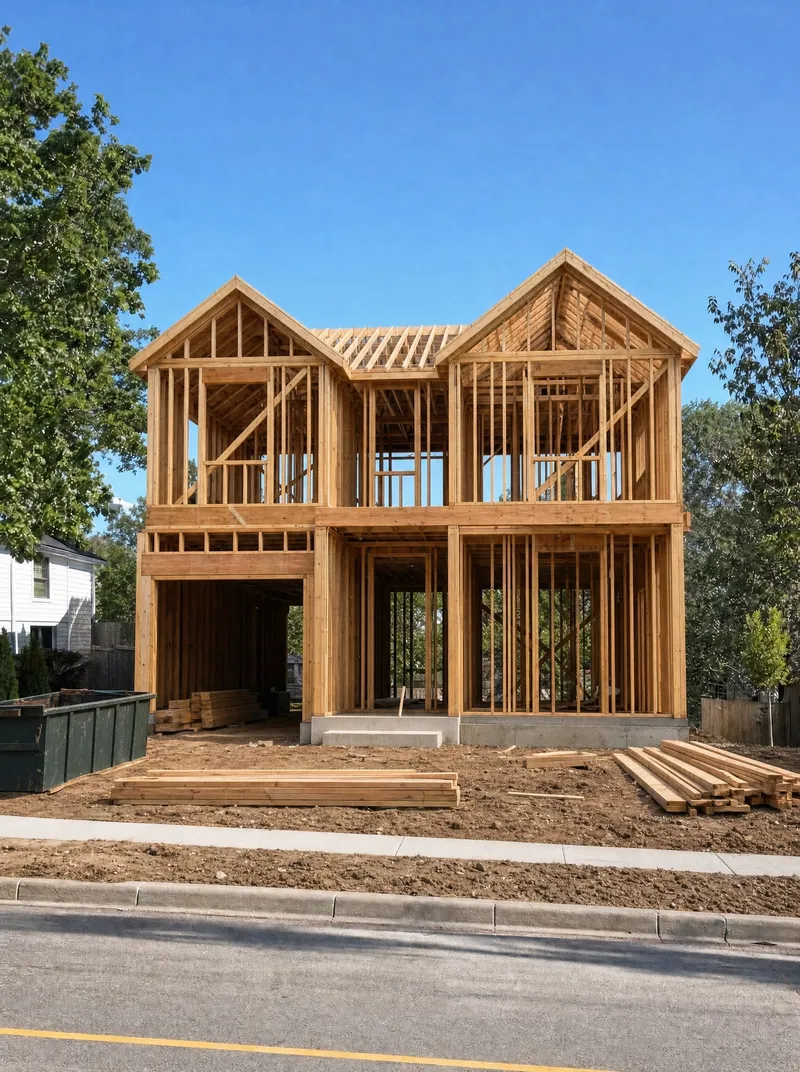
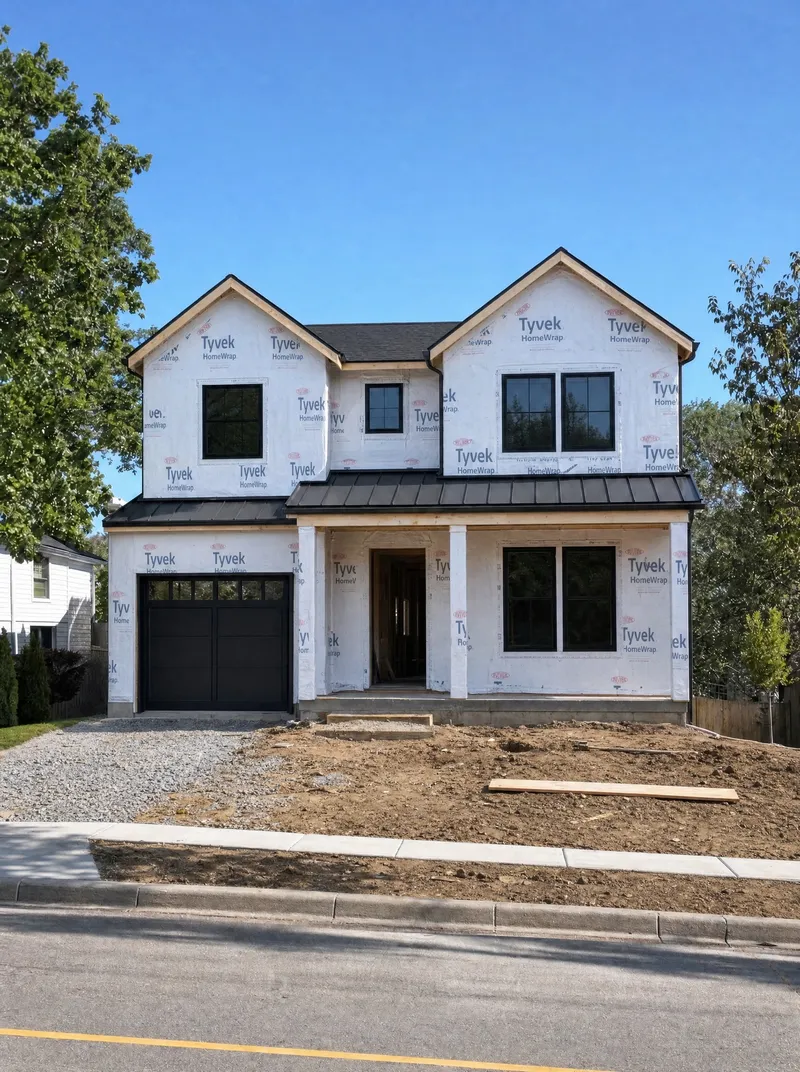
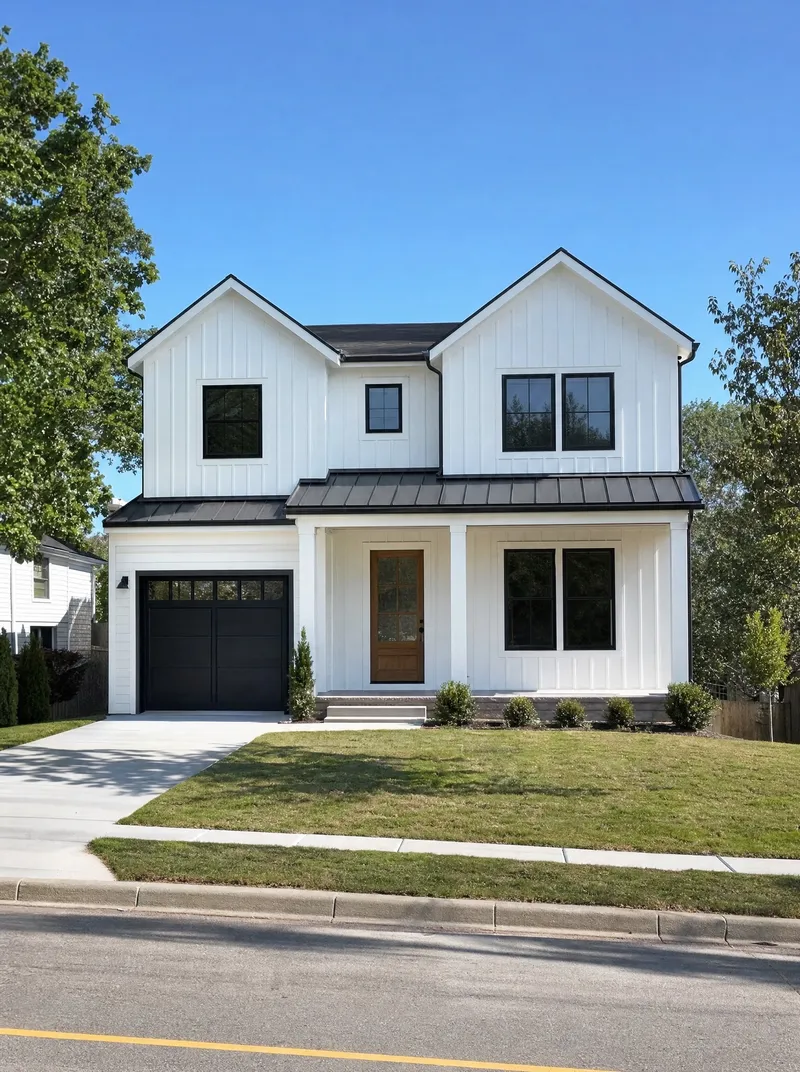
Every Visit Lines Up With the Last
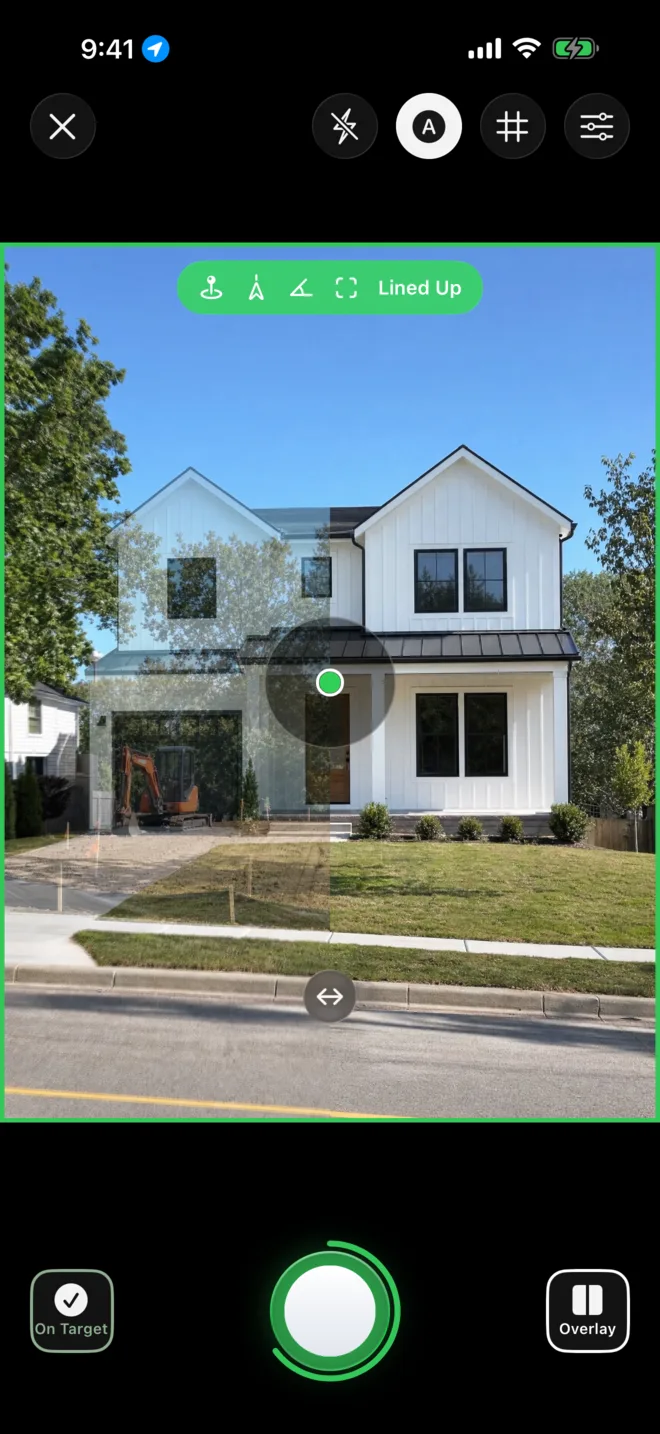
Drag the handle. Both photos come from the same spot, angle and direction, months apart.
From First Stake to Final Walk-Through
Show owners and lenders the same view of the build at every visit, so progress is plain at a glance.
After · Sep 28Before · Mar 2Everything Points Back to Your Last Photo
The camera compares what you see now with the photo you took last time and tells you what to fix.
Three Ways to Show the Change
Each video here came straight out of TrackedSnap's exporter, with a sample builder's logo, phone number and dates.
Organized in Your Photos Library
TrackedSnap keeps one folder in Photos, a folder for each project and an album for each view, with its videos. Tap a project to open it.
Start Free, Upgrade When You Share
Capture with every guide for free. Pro adds the videos, branding and backup.
- Everything in Free
- Before-and-after reveals and videos up to 4K
- Your logo and brand colors on every video
- Organized folders in your Photos library
- iCloud Backup to your own iCloud Drive
US prices. The app shows your local price before you subscribe. Cancel any time in your Apple Account settings.
Your Photos Stay Yours
No Account
Open the app and start. There is no sign-up.
No Ads
TrackedSnap shows no ads and uses no ad tracking.
No Uploads to Our Servers
Projects stay on your device. iCloud Backup goes to your own iCloud Drive.
Questions
It depends on your device's GPS, which is usually within a few meters outdoors and less reliable indoors. The framing and angle checks work without GPS.
More answers on the Support page, or email support@trackedsnap.com.